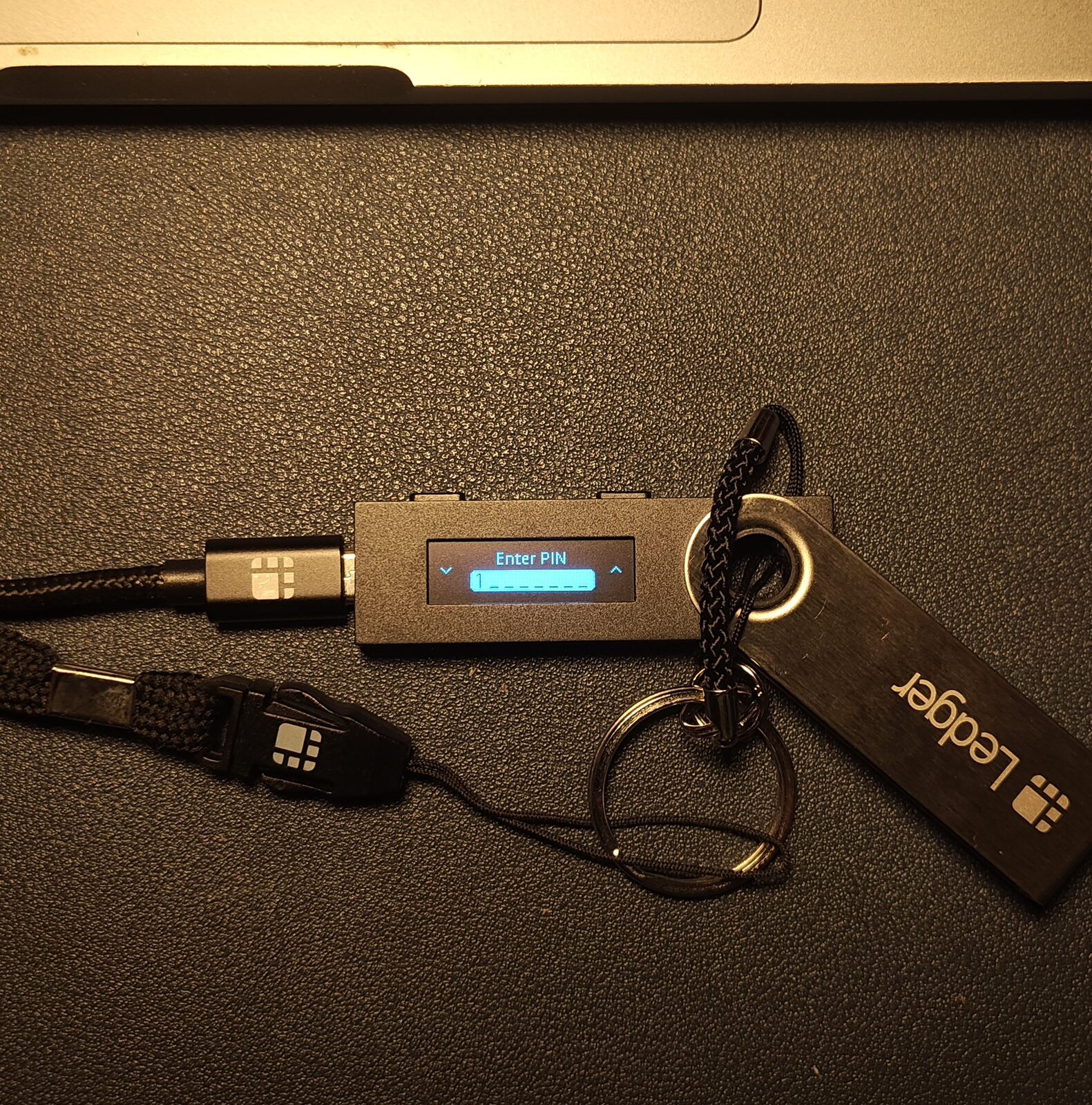
 A Ledger Nano S ready for use.
I had a spare Ledger Nano S and decided to tinker with it over the weekend. Since I am not involved in cryptocurrency trading, I wanted to repurpose it for another use case. This post explores the Ledger device and its use as a secure, efficient local password manager. I developed a command-line interface (CLI) called gopgvault, which was inspired by the GNU pass utility.
Ledger
Overview
The Ledger Nano S is a cryptocurrency hardware wallet. You can read more about hardware wallets on Ledger Academy. The Nano S has since been discontinued because of increasing memory requirements.
At its core, the Ledger Nano S contains two modules that interact with each other:
- An STM32 microcontroller that handles the peripherals and interacts with the USB host.
- An ST31 secure element that handles cryptographic operations and keeps the keys safe. The secure element is designed to resist voltage-glitching and side-channel attacks.
All communication with the secure element passes through the STM32, which acts as its proxy.
SDK
Ledger provides an SDK for building applications for its devices. The SDK for the Ledger Nano S is available in the Ledger Secure SDK repository. Make sure you check out the correct branch for your Ledger Nano S firmware. In my case, it was API_LEVEL_LNS.
The host communicates with the Ledger device using APDU messages.
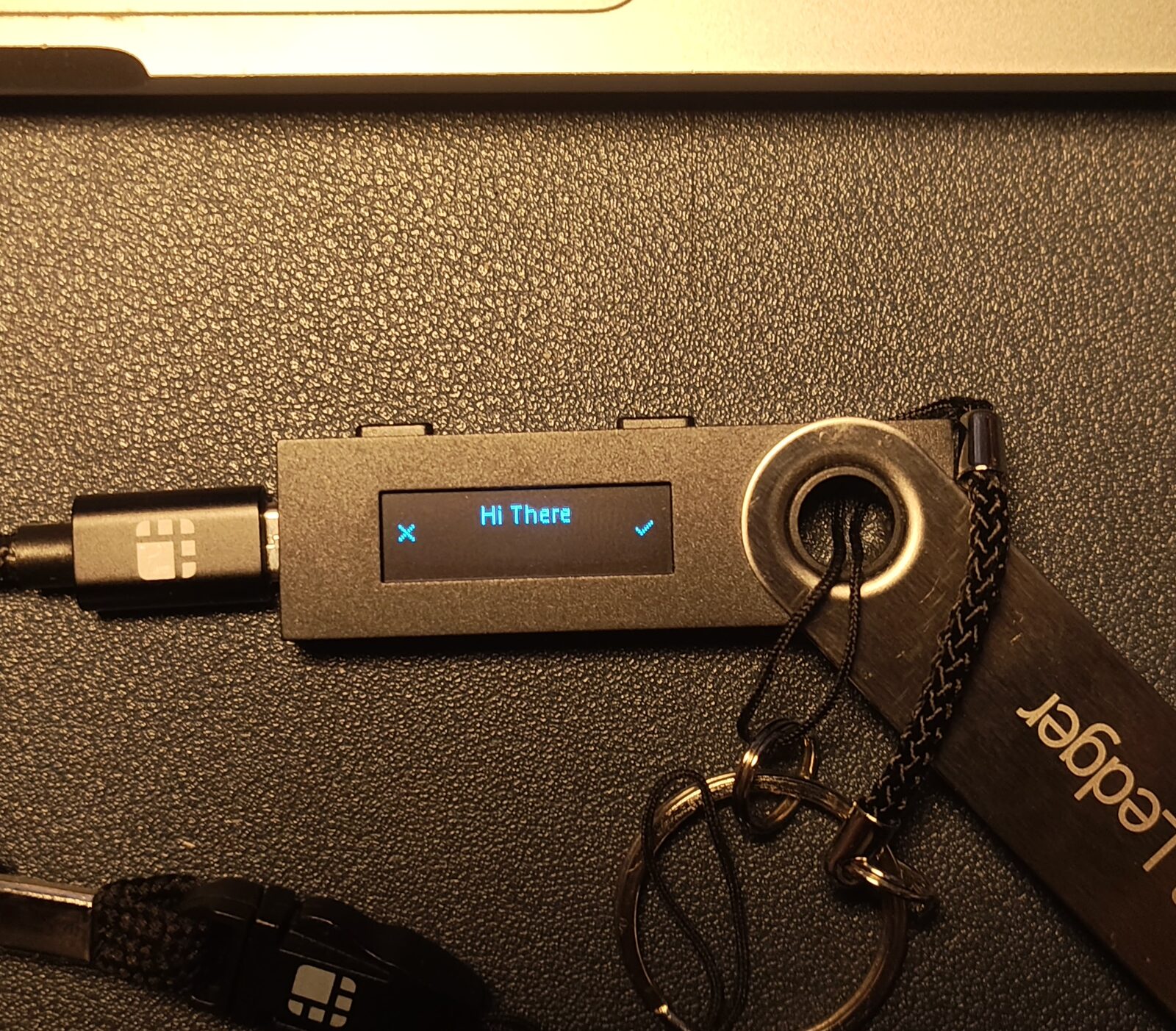 A simple application running on the Ledger.
However, we do not need to develop an app for PGP encryption because an OpenPGP app already exists. To set up the host to interact with the Ledger OpenPGP app, follow the OpenPGP app instructions.
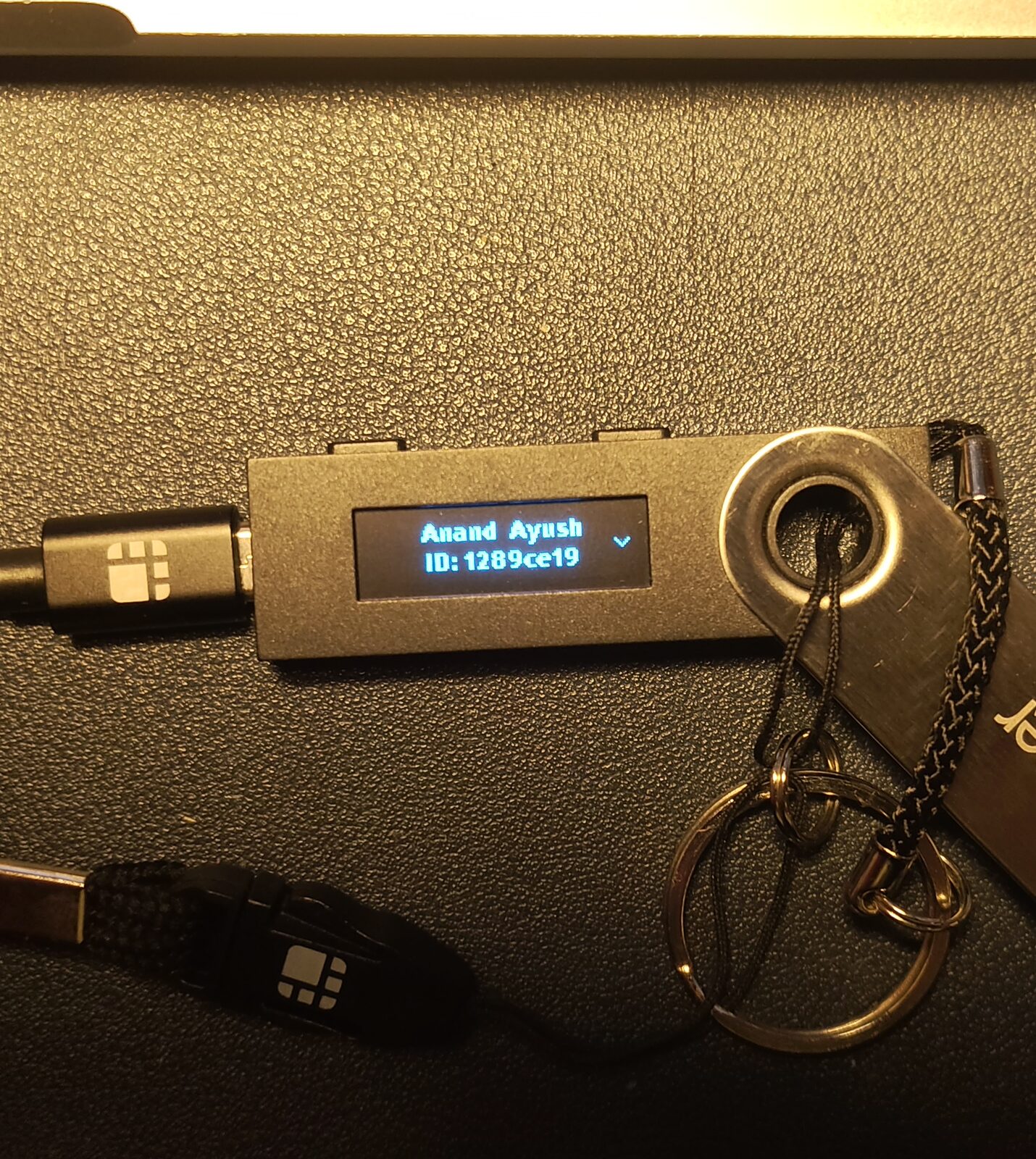 The OpenPGP application and GPG identity on the Ledger.
A PGP password manager
To supplement the Ledger’s functionality as a GPG card, I developed gopgvault. It is similar to the GNU pass program but has a few differences:
- It is written in Go.
- The keys are also stored in encrypted form, unlike in GNU
pass.
- It encrypts the entire vault at once rather than encrypting each secret separately. Users can make multiple copies of the vault file as backups and copy it to any other systems where they need it.
- It avoids displaying passwords as plaintext in the terminal or copying them to the clipboard, where they may be exposed. Instead, it uses
less, with LESSSECURE enabled to restrict potentially dangerous features, and avoids leaving the password in the terminal’s scrollback.
Step through gopgvault with the Ledger connected and disconnected.